![paragon logo-1.png]](https://support.paragon-erp.com/hs-fs/hubfs/paragon%20logo-1.png?width=240&height=75&name=paragon%20logo-1.png)
Introduction
This article explains how to deal with a payment from a customer that has been rejected by your bank due to non sufficient funds (NSF).
Process description:
If you have received payment from a customer or vendor and entered it into ParagonERP, only to find out later that your bank rejected it for NSF (Non Sufficient Funds), you will want to revert the transaction. This article will walk you through the steps needed to void the payment and revert the transaction's journal entry.
Step-by-step instructions
-
Step 1: Go to the receive payment module
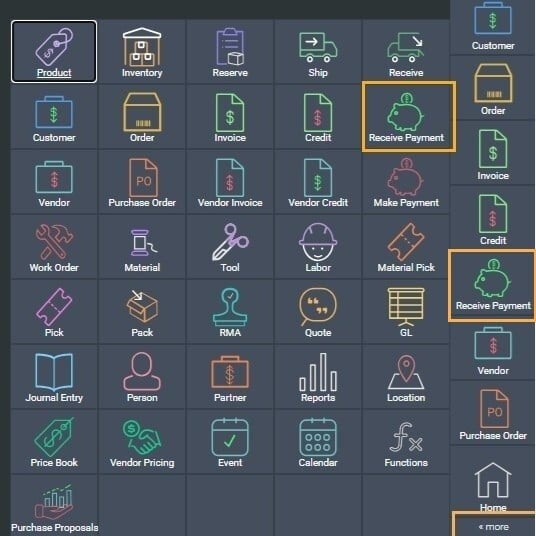
Navigate to the Receive Payment module, either from the side panel, or from the more screen.
-
Step 2: Select the payment
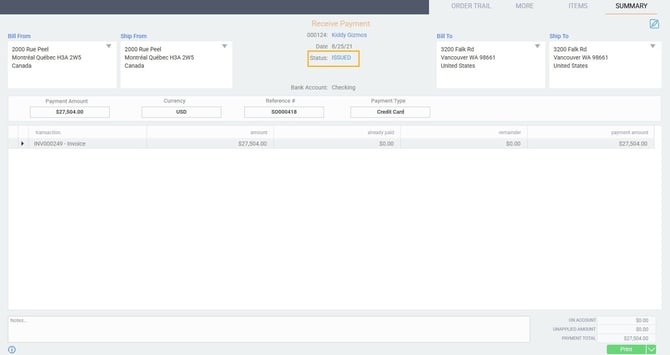
Navigate to the transaction in which you recorded the payment. The transaction must be in issued or completed status.
If the transaction is in temp status, Paragon would not have created any journal entries for the transaction yet.
-
Step 3: Void the receive payment
Click on the void action button in the bottom right hand corner of the transaction.
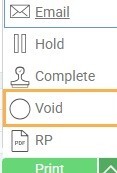
A modal will appear, showing you a dropdown list of options for reasons why you are voiding the transaction. Select your preferred option and then click on the accept button on the modal.
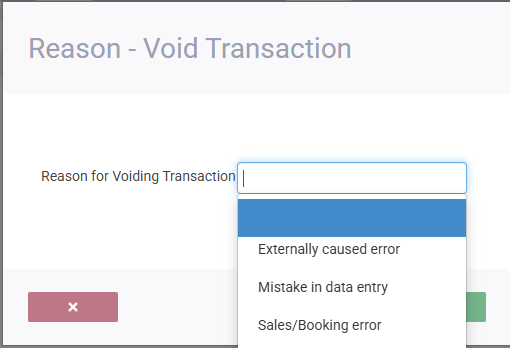
If you want to keep track of NSF transactions separately, you can add NSF to your list of reason codes and use that instead. This may help you in your credit analysis in the future.
After choosing accept, the transaction's status will change to voided.
A notification will appear in the top right corner of your screen, informing you that a journal entry was created.
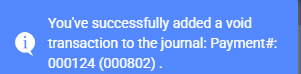
-
Step 4: View generated journal entry
To take a look at the automatically generated journal entry, navigate to the journal entry module from the more button in the bottom right hand corner.
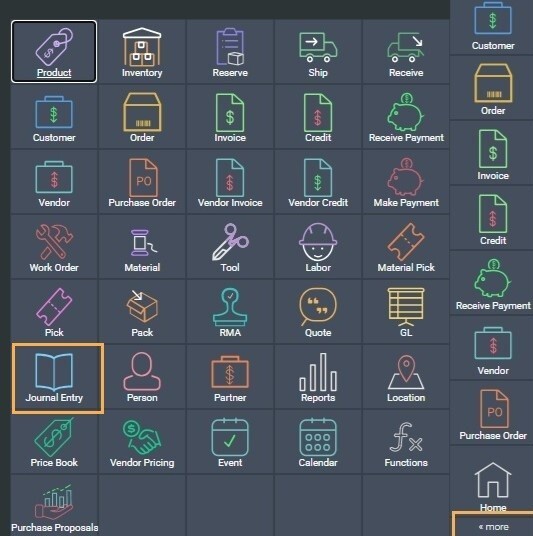
From there, you can find the journal entry from the transaction number mentioned in the notification when you voided the receive payment. You will also see the voided receive payment transaction number in the notes section of the journal entry.
If you receive another payment at a later date, to replace the NSF, you can enter it into ParagonERP as you would any other payment.
Related articles