![paragon logo-1.png]](https://support.paragon-erp.com/hs-fs/hubfs/paragon%20logo-1.png?width=240&height=75&name=paragon%20logo-1.png)
Introduction
Upon installation, you will need to define your financial periods in ParagonERP. This article explains how to set up your fiscal year dates and periods.
Process description:
Step-by-step instructions:
-
Step 1: Go to GL period setup
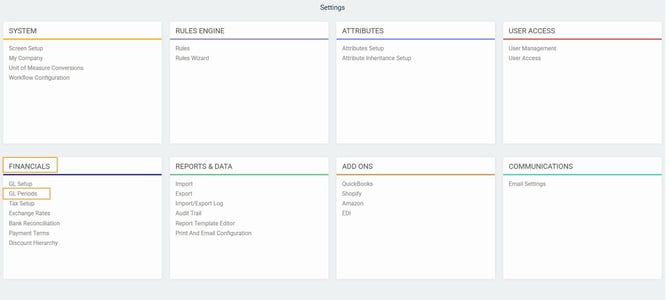
From any screen in Paragon, click the settings button.

Under the financials card, click GL periods.
-
Step 2: Create a new fiscal year
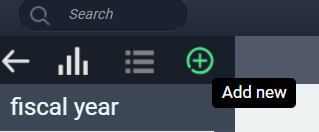
The following screen will appear, asking you to fill out your year-end and whether you use 12 or 13 GL periods.
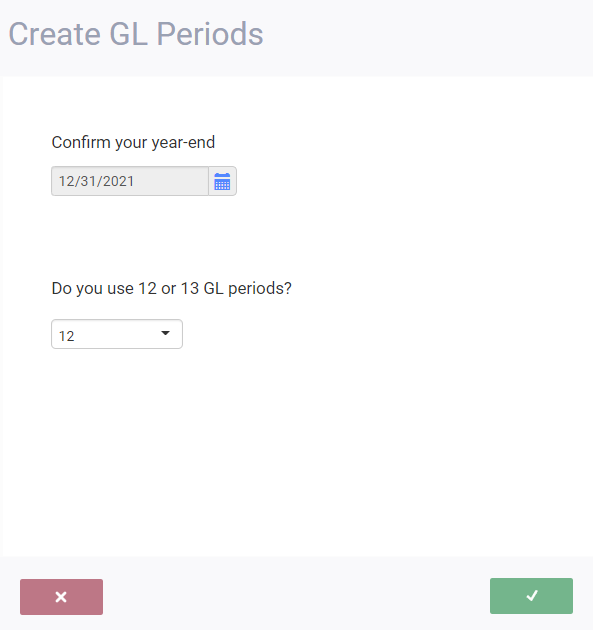
First, confirm your year-end date using the calendar button.
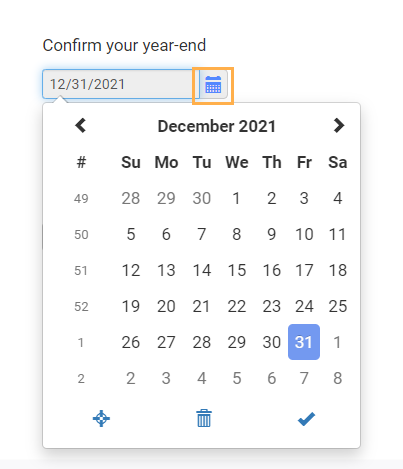
Then, indicate if you use 12 or 13 periods by clicking the drop-down menu.
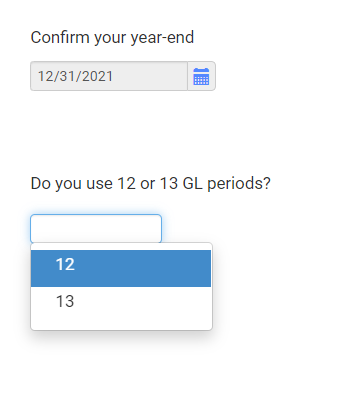
-
Setp 3: Accept and create periods
To accept your settings and create the GL periods, click the accept button.
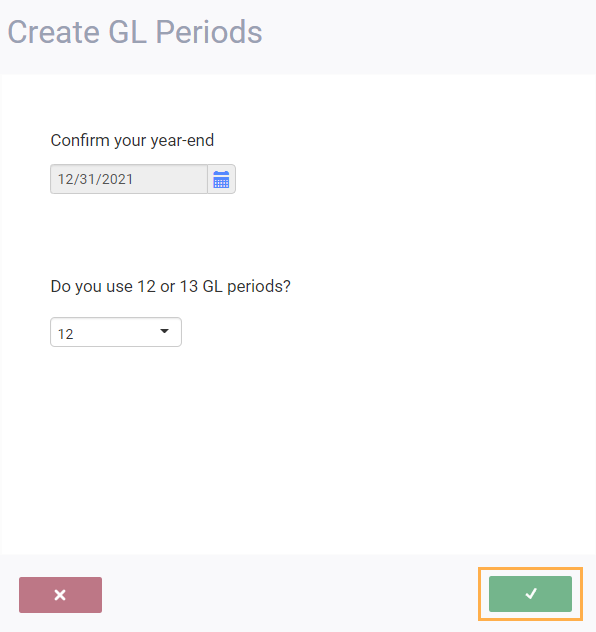
You can cancel at any time before clicking the accept button by clicking the cancel button. If you do this, you will not create new GL periods.
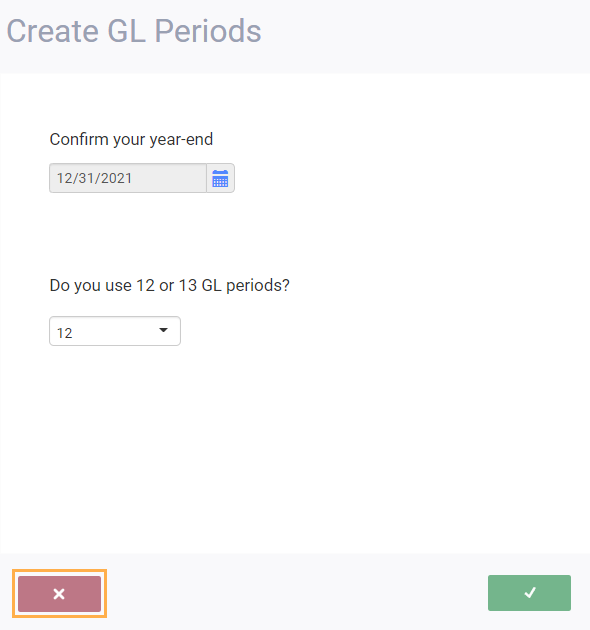
Once you click the accept button, you'll be brought back to the main screen and your GL periods will automatically be set up based on your preferences.
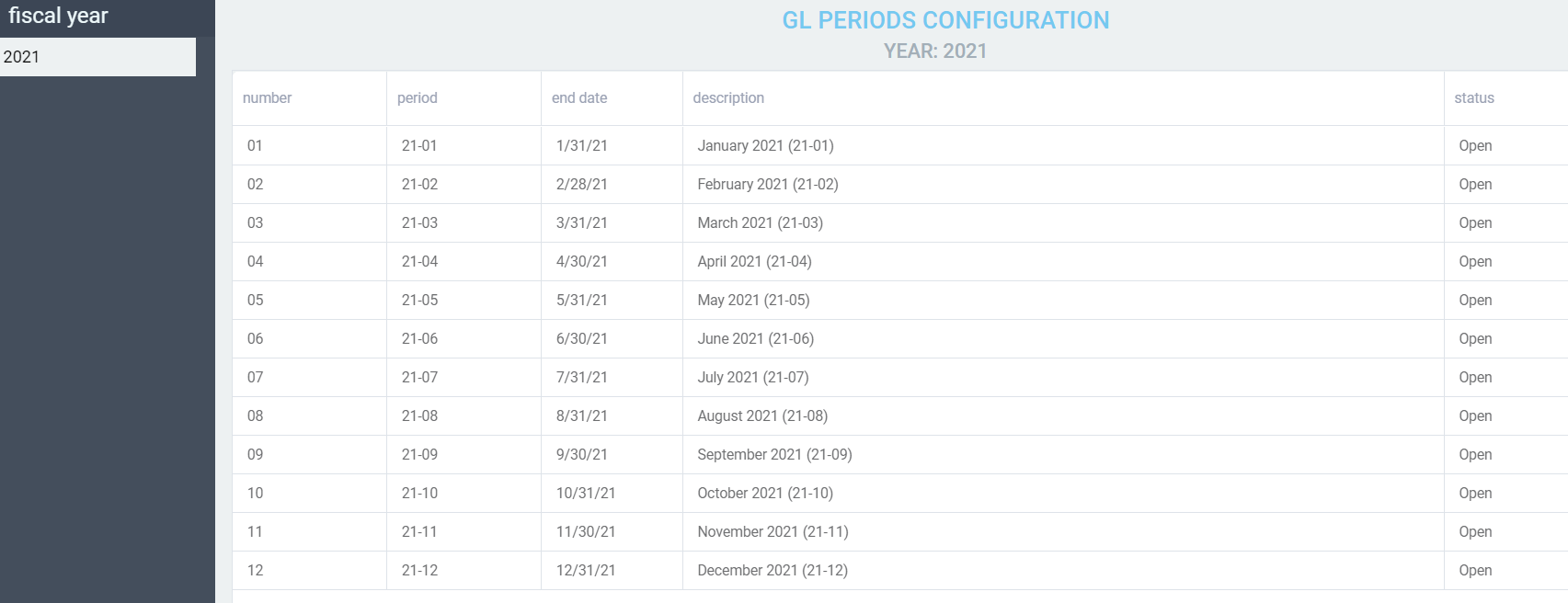
If you need to set up more fiscal years, use the same steps indicated above. This task can be added to your year end procedures, since each year you will have to add a new fiscal year.
Voiding financial transactions in a previous GL period
Voiding transactions may be necessary for a variety of reasons - not the least of which is to correct mistakes. If the transaction (like an invoice or a credit) is voided within the same GL period in which it was created, no problem. ParagonERP will void the related journal entry in the same period. If however, the transaction to be voided was created in a previous period, ParagonERP has some verification to do.
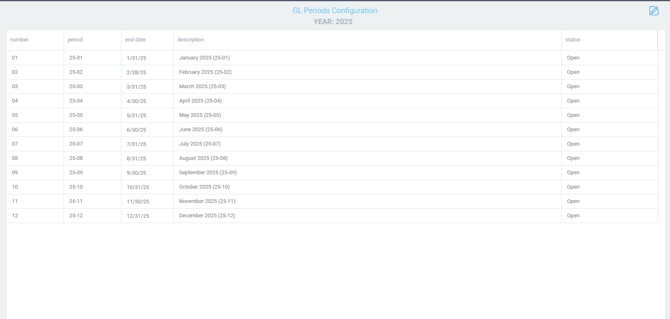
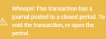
If that GL period was already closed and you try to void an invoice that was issued during that period, you will be stopped and given a notification explaining that the period is closed.