![paragon logo-1.png]](https://support.paragon-erp.com/hs-fs/hubfs/paragon%20logo-1.png?width=240&height=75&name=paragon%20logo-1.png)
Introduction
This document will show you how to log into ParagonERP. It explains how to log in for the first time, using your email address.
Process description
You have two options to log into ParagonERP: using your email and password, or signing in with Google or Microsoft. This document explains how to sign in with your email address.
Prerequisites
ParagonERP login information
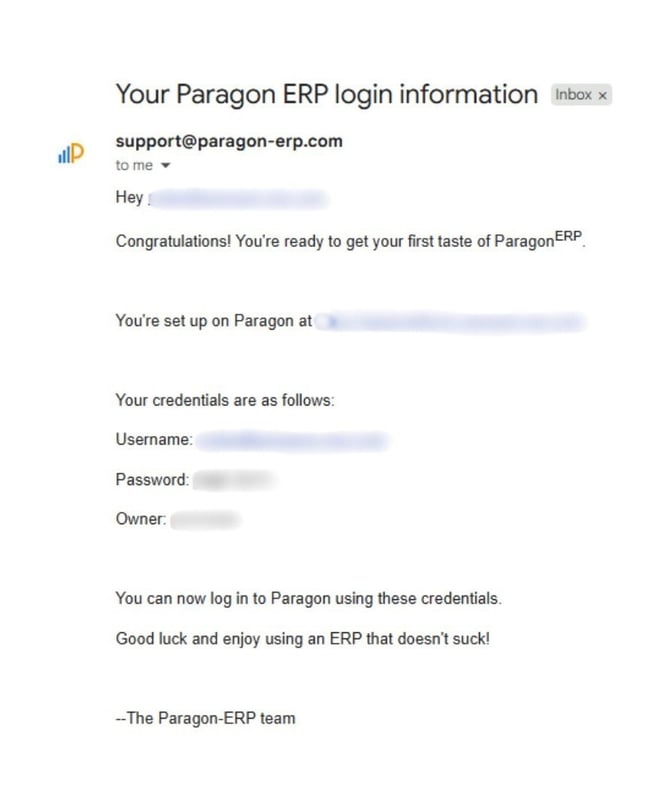
As a new ParagonERP user, you will have received an email as shown below with your credentials to log in:
Step by step instructions
-
Step 1:
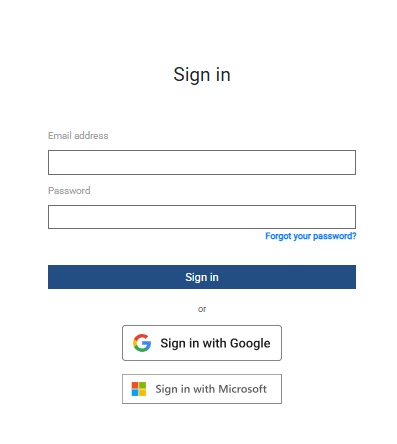
After you receive the above email, return to the log in screen and enter your email address and the new password that you received. At this point, you will be given the opportunity to create a new password of your choice.
The login screen looks like this:
-
Step 2: Terms and Conditions
After you fill in the login information, if you are the first person to log into Paragon at your company, you'll be asked to accept our terms & conditions. Accept by checking the box for I've read and accept the terms and clicking I agree, let me in already.
-
Step 3:
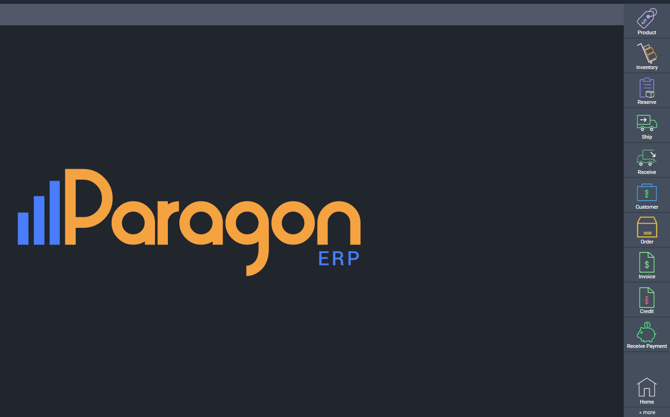
Now that you have logged into Paragon you will land on the Paragon home screen. You can access all modules, and settings from here.
Related articles
Need more information on passwords? This article explains what to do if you forget your ParagonERP password.
What next?
Take a look at the following Getting Started article. It will help you get familiar with common ParagonERP tasks and processes.