![paragon logo-1.png]](https://support.paragon-erp.com/hs-fs/hubfs/paragon%20logo-1.png?width=240&height=75&name=paragon%20logo-1.png)
Introduction
This article will give you an overview of the purchase journal report, which has both a summary and detailed version.
Purchase Journal Summary
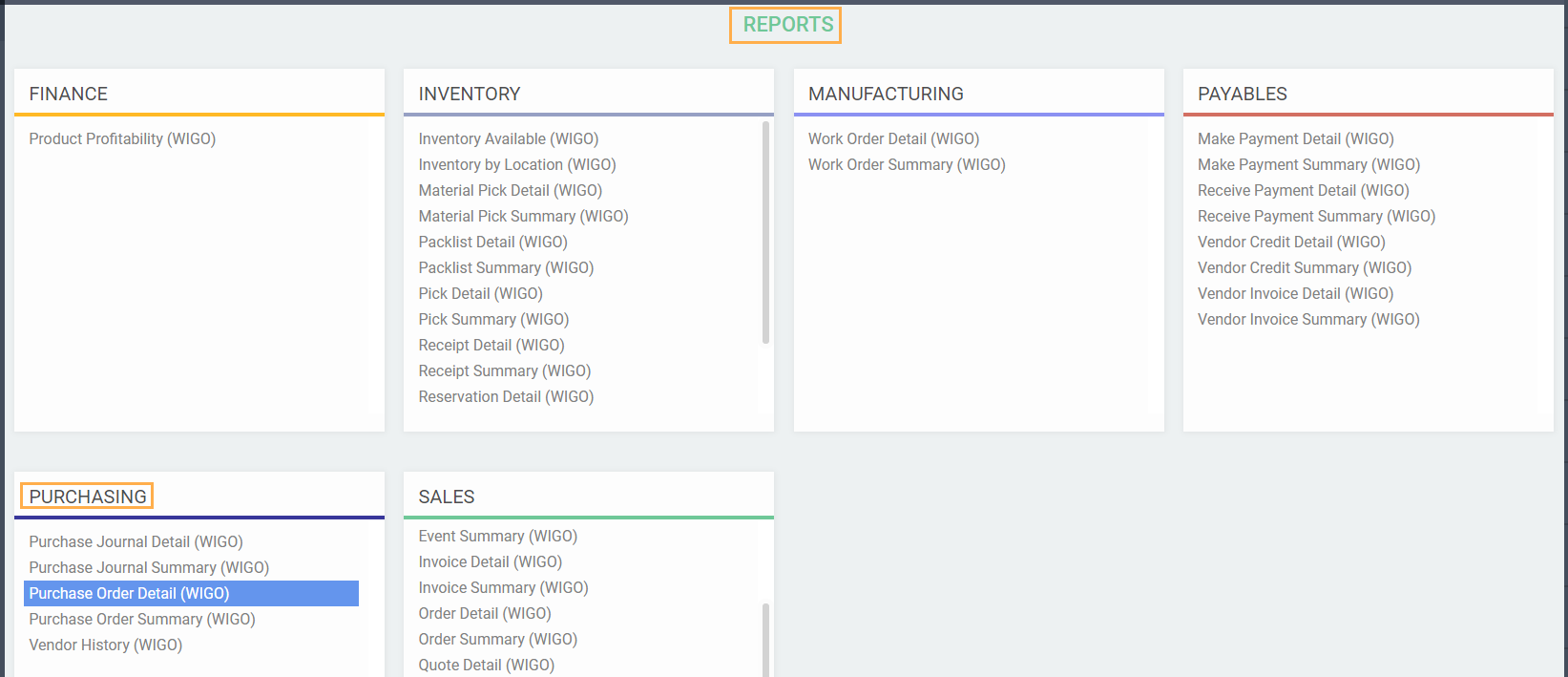
The purchase journal summary report can be found in the reports module under the purchasing card.
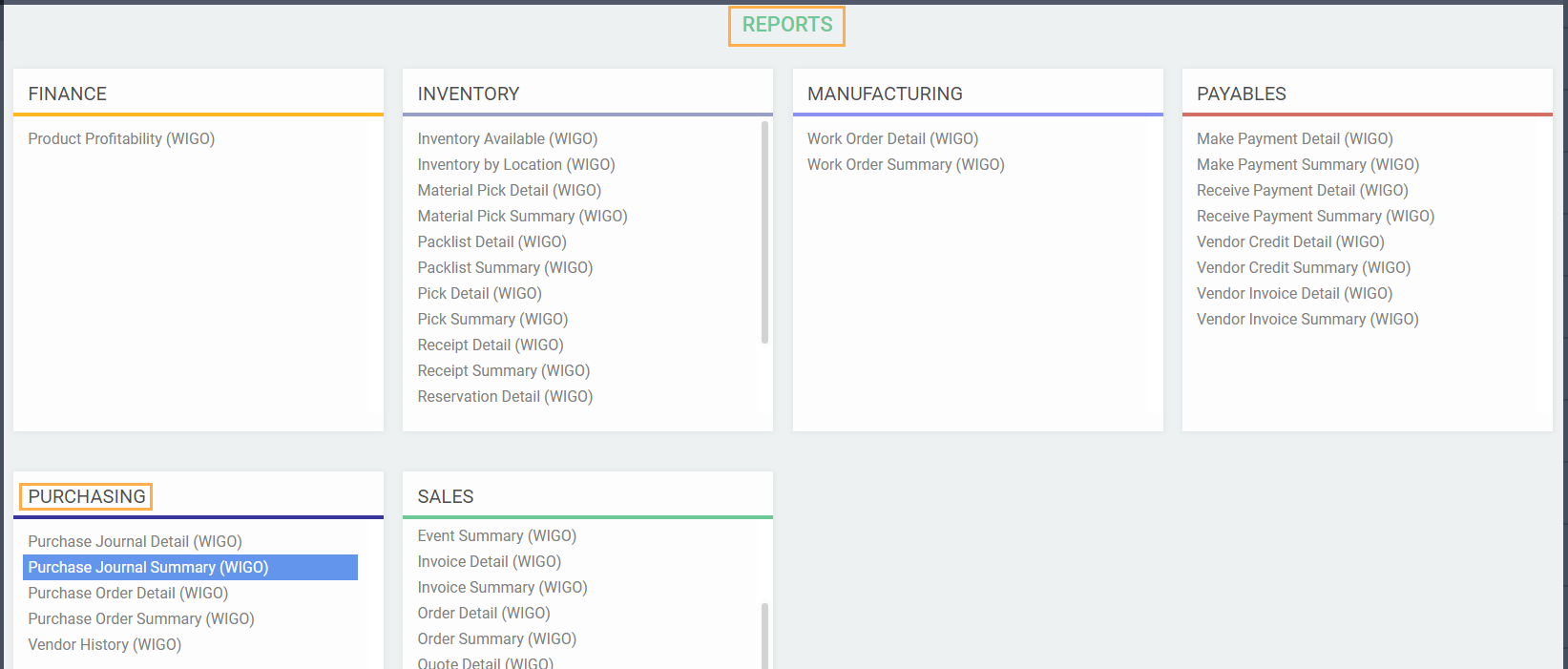
This report presents 3 transaction types; purchase orders, vendor invoices, and vendor credits. Purchase orders and vendor invoices have positive values, whereas vendor credits have negative values.
Default layout and filters
The purchase journal summary will initially display one line for each currency.
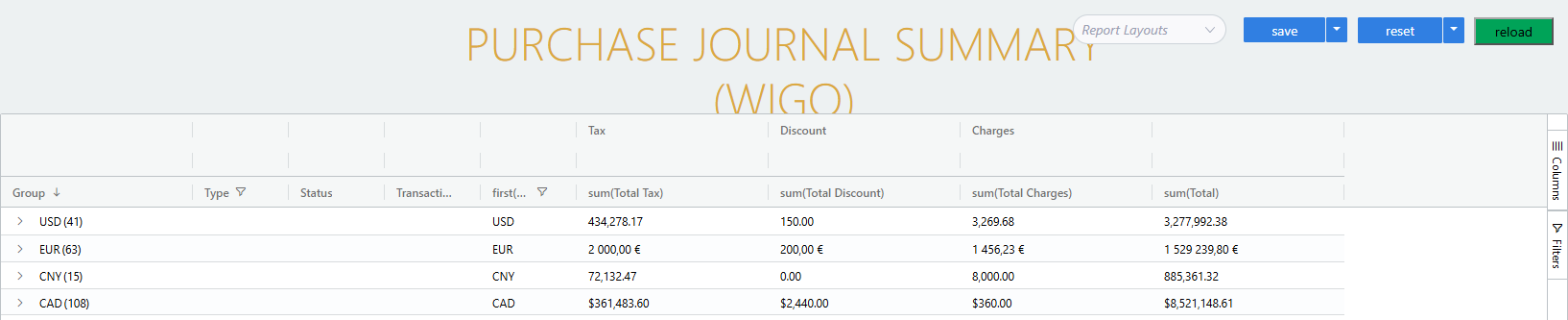
Click on the arrow to the left of each currency to expand the lines and see a breakdown of vendor related to purchases for that currency.
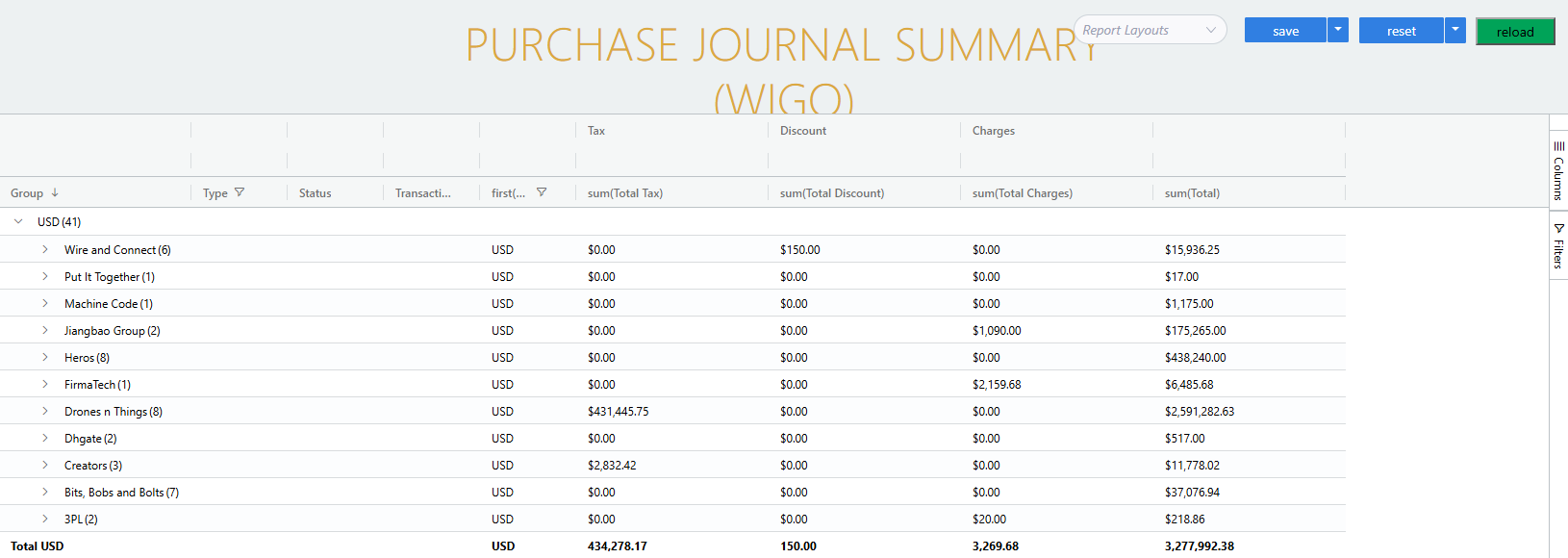
Click again on the arrow to the left of a specific vendor to expand again and see a list of purchase transactions for that vendor.
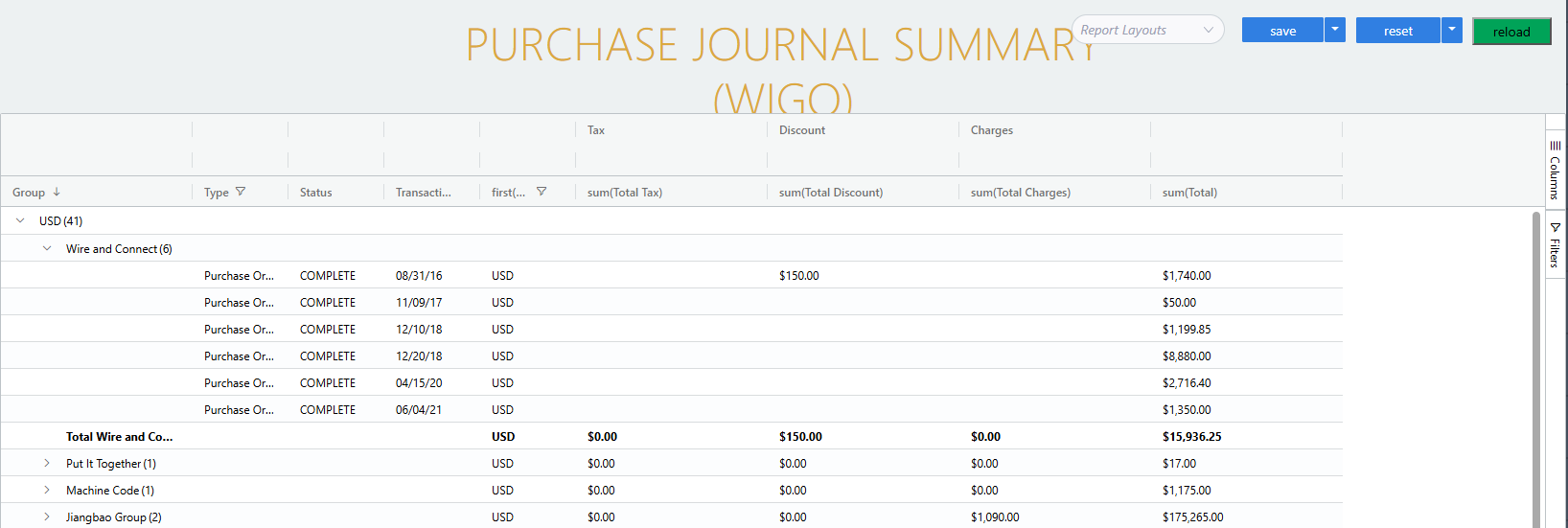
- The type column will contain one of 3 values: purchase order, vendor credit, or vendor invoice.
Purchase journal detail report
-
The purchase journal detail report can be found in the reports module under the purchasing card.
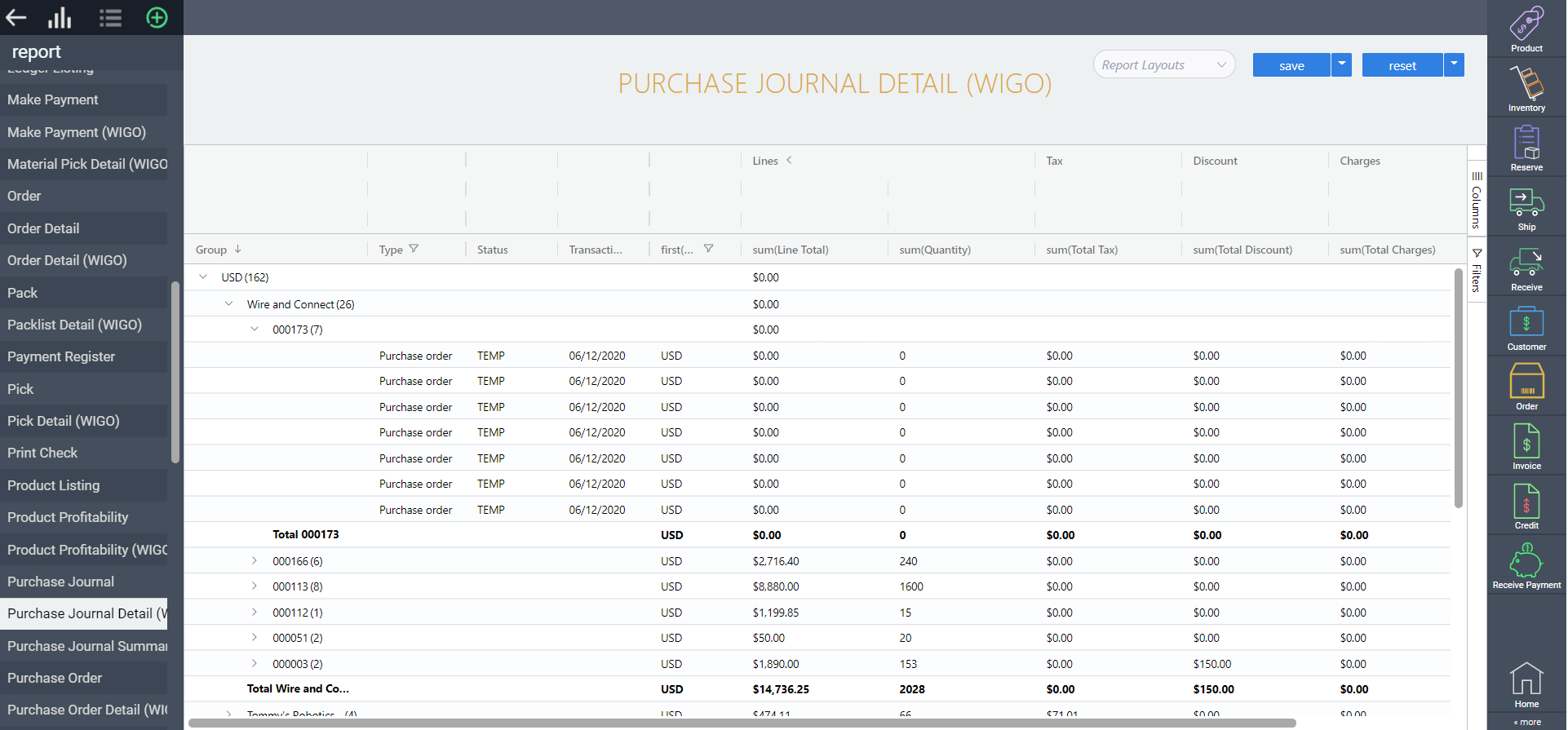
This report allows you to delve deeper into your purchase journal, filtering and sorting line items on purchase orders, vendor invoices, and vendor credits.
Related articles:
Take a look at some of our other WIGO guides.